




About This Project
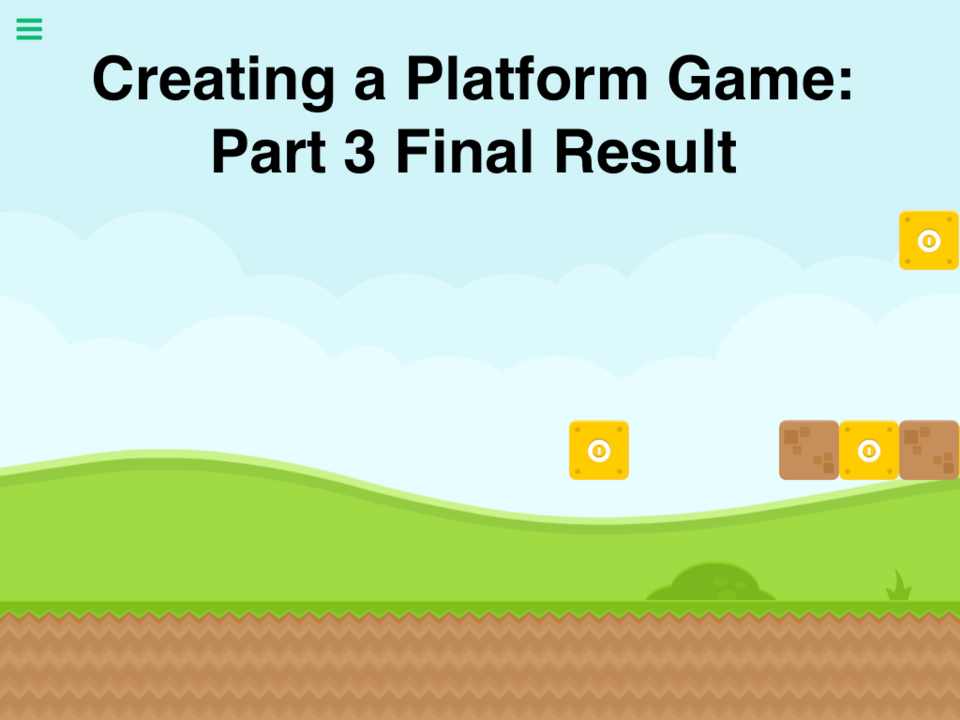
This is the result of the "Creating a Platform Game: Part 3" tutorial. You can find the guide here: https://hyperpad.zendesk.com/hc/en-us/articles/205763159. This is not a final game, it is only the empty level. In Part 4 we'll be adding the character, and basic gameplay elements.
What's New
Version 1.2 • Updated 9/21/2022
Fixed a few things to make part 4 easier. - Adjusted height of some blocks for easier jumping - Removed a few blocks - Made sure all graphics are the correct size - Finalized details for part 4
Screenshots

Awards

Level-Up
You released your first project update! Every improvement makes your game stronger.

First Play
Your project earned its first play! Someone discovered what you made—keep sharing and building.
Comments


Hey Murtaza. I have a question for you.


One Problem, for some reason when I'm in snap mode I cannot move my objects.

Abel explained it. I also show it in my tutorial located in the manual licated in the "Learn" section. If you read it, was it not clear? Let me know if I need to update my tutorial to explain it better :)


@DylanBlake on the left side of the UI in the editor there is a hand, arrow, 4 arrows, and stamp icon(s). Hold the 4 arrows and select the magnet. The magnet places the selected graphic on an "invisible" grid. (Drag the graphic and you will notice it snaps into the grid)


@Murtza How did you get the blocks so straight?