




About This Project
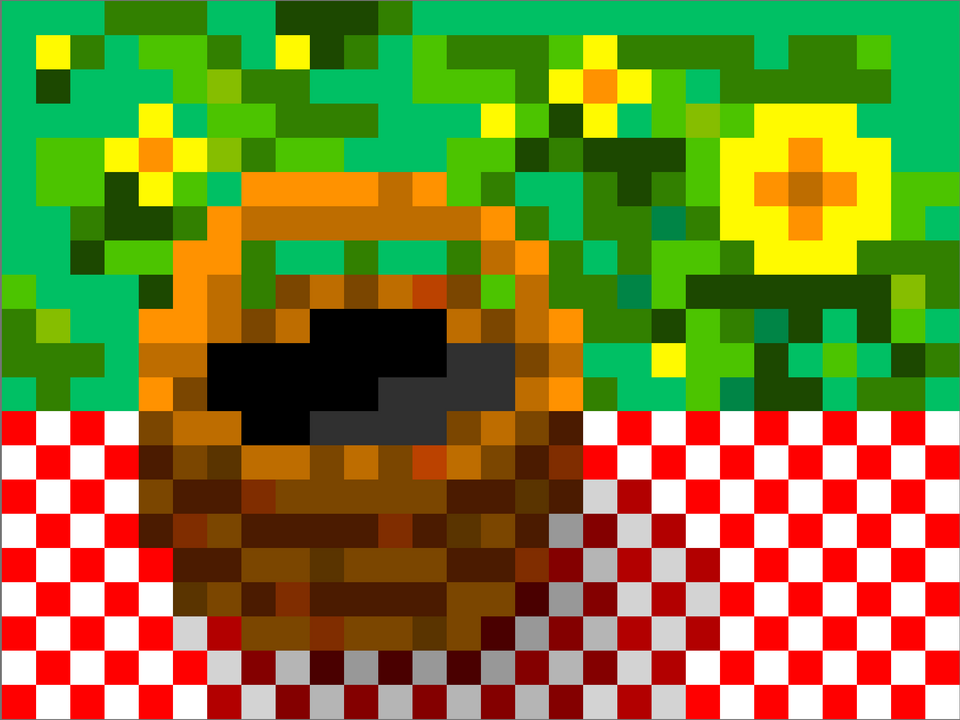
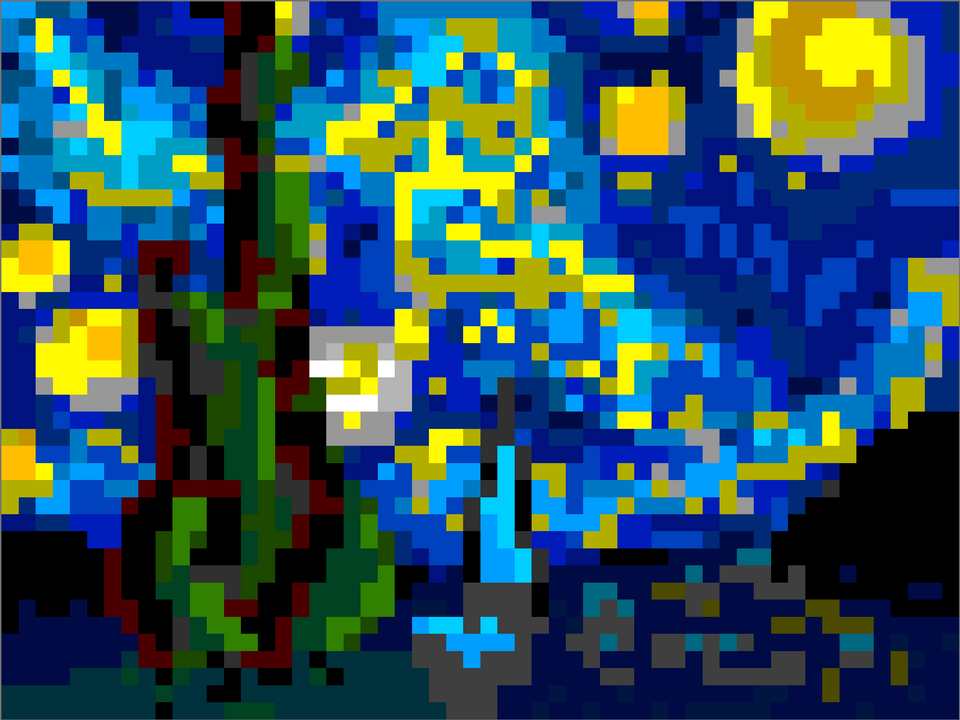
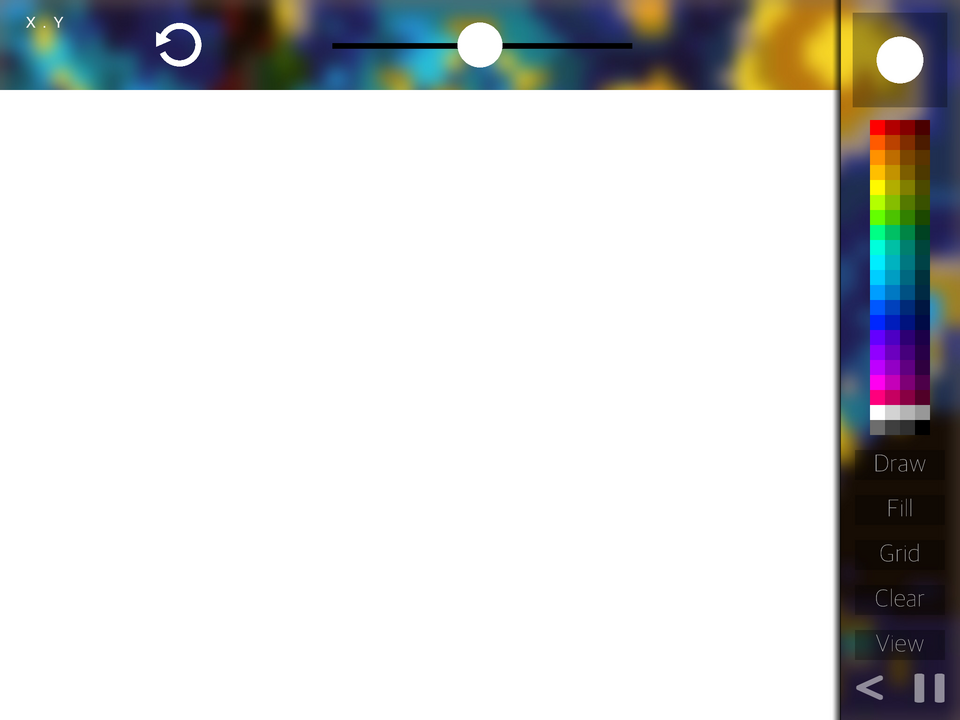
I got kind of carried away with this. But it is a great example of how to make draw stuff if you can decipher what I did in the code. This is also a great example for making an infinitely expanable color pallete and infinitely expandable pixels (I am working on custom canvas size). ***Just tap stuff on the menu screen to see what they do!
What's New
Version 1.4 • Updated 9/21/2022
Good news: I added an undo button! It can save 5 undos at a time! Bad news: It's laggier than before. Loading the pixels is the main problem, but that is only once at the beginning. It's about as laggy as before I did the optimization this morning, but it's worth it!!!
Screenshots



Awards

Fan Favorite
Your project earned 10 likes! The community is showing its appreciation for your work.

Level-Up
You released your first project update! Every improvement makes your game stronger.

Hotfix Hero
You released 5 project updates! Your commitment to improving your work has earned you Hero status.

First Play
Your project earned its first play! Someone discovered what you made—keep sharing and building.
Comments


It’s AMAZING really good job!

Yea that's what I was doing but the draw tools and fill means that I have to undo multiple pixels at once, which means I need to make undo groups where multiple pixels can be undone. I might just go with one at a time though. Also, it doesn't replace the pixel with a different colored pixel, it changes the pixel color.


For an undo button, you can save changes rather than states e.g. If the player taps on a pixel, get its colour and position, and save them. When a user presses undo it will load the colour and position again and set it back.

This is real cool! I understand most of what's going on here and it can definitely help others!
Also, I will work on making more options for color but my main priority is a resizeable canvas. For now, you will have to settle with copy/pasting custom colors by tapping the color/pen size indicator in the top right.